Prep in Juno. Push to ProSeries.
Juno extracts the data from your source documents, builds a review-ready workpaper, flags what needs your judgment, and pushes the data into Intuit ProSeries.


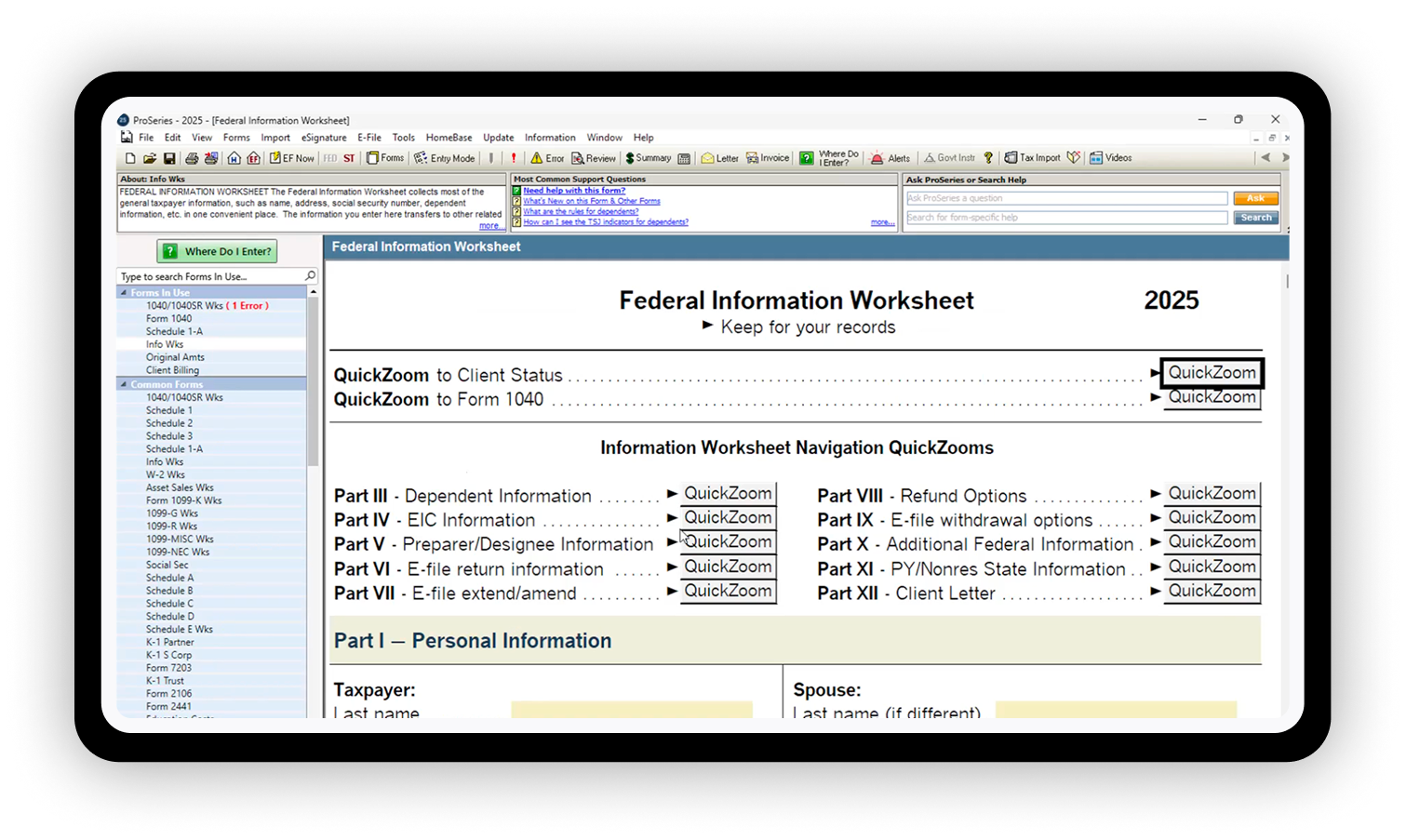

Why do ProSeries firms run Juno on ProSeries?

Built by a CPA, trusted by tax pros
Dave Haase, Juno's founder, built the tool. His firm still runs Juno every day. Juno works with Drake, Lacerte, ProConnect, CCH Axcess, ProSeries and more.

Built for the way ProSeries firms work
Juno meets your firm where it already runs ProSeries. You keep your tax software and your workflow. Juno takes the longest part of prep off your team's plate so they can focus on review.

Automate 95% of data entry into ProSeries
The fields you'd normally key by hand into ProSeries screens? Juno enters them for you. You can stop doing data entry and start doing review.

Pulls data from source docs
Juno's AI tax prep pulls data from W-2s, 1099s, K-1s, balance sheets, and 100+ other document types. Blurry iPhone photos, 40-page combined uploads, handwritten organizers. If your client sent it, Juno reads it. Validate in a few minutes, not hours.

Instantly creates the Binder
Juno automates tax workpaper preparation for every return. Your team can flag fields, assign items to each other, and track what's been done and what's left to do. Every data point links back to the source doc, so you're never guessing where a number came from.

Map ProSeries forms exactly how you want
Each return, you decide how every form maps to ProSeries. Juno tracks what's already been exported, so your team always knows where each return stands.

Pushes data into ProSeries
Approved data flows directly into ProSeries. No retyping. No copy-paste. In minutes, instead of the hour it takes by hand.

Flags what needs your judgement
Juno's AI tax review compares source docs to what landed in ProSeries and surfaces mismatches: a missed state return, a typo, income on the wrong line. It also checks prior year and shows what changed, so reviewers see real exceptions instead of re-checking every line.